


[01]
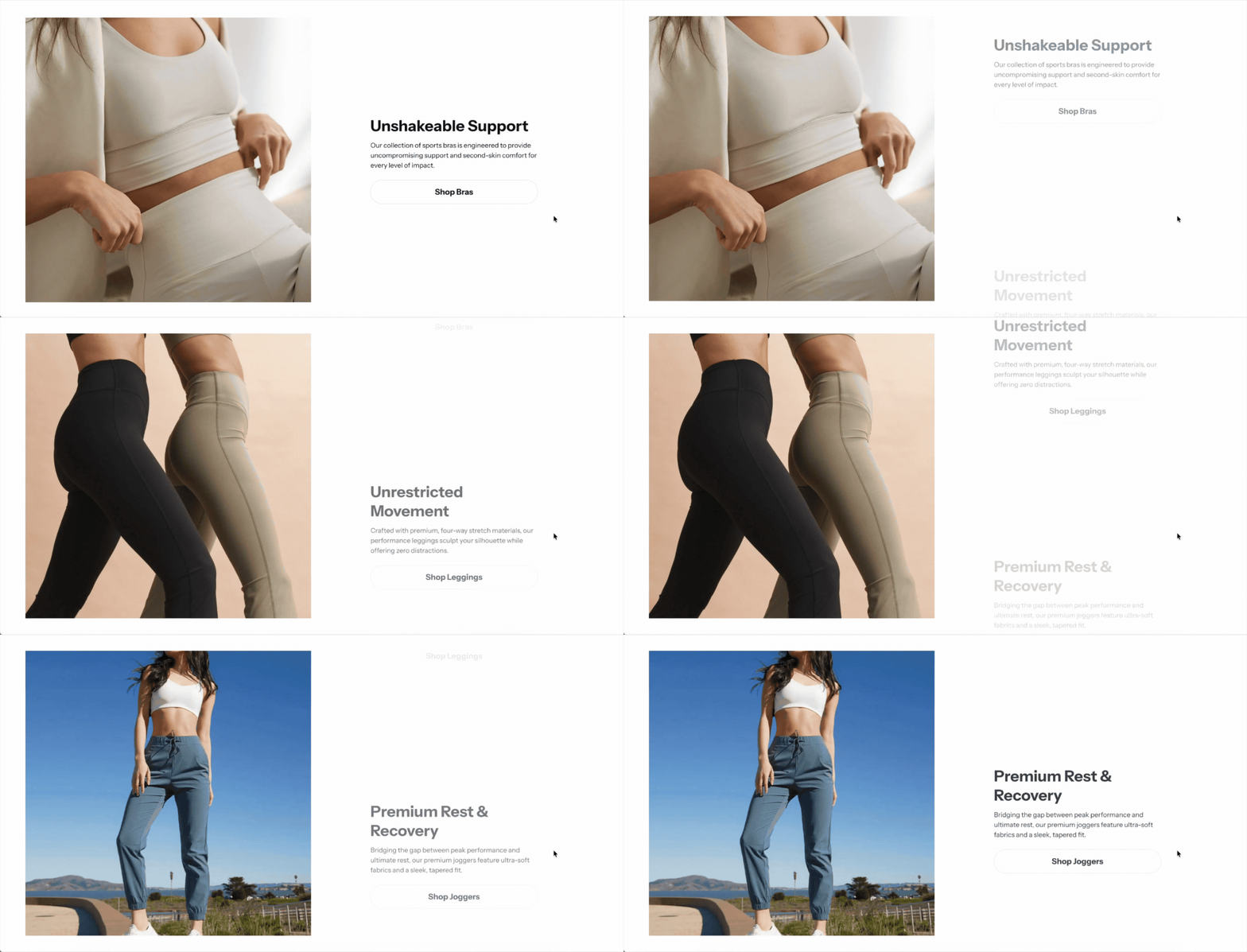
Images that swap in sync with your story
Images that change as buyers scroll through your story, paired with short text for each one. It turns a lookbook or new collection into an editorial read that keeps buyers on the page.
Holiday Launch KitTheme setup from $490. Plus holiday app deals.Theme setup & customization from $490. Plus holiday app deals.See the kit
Electro & Normcore drop to $200.Electro and Normcore drop to $200 for 72 hours, down from $300 / $320.See the deal
Electro & Normcore $200, was $300 / $320.Electro and Normcore are $200 this Black Friday weekend, down from $300 / $320.Shop the themes
New themeNew: nuno, a Hydrogen theme for fashion brands.nuno, a Hydrogen theme for fashion retail and wholesale. Built with Weaverse.See nuno
Holiday Launch KitTheme setup from $490. Plus holiday app deals.Theme setup & customization from $490. Plus holiday app deals.See the kit
 Loading
Blum 3.9.0 gives fashion and lifestyle brands more control over how they sell and tell their story. Take pre-orders before a product ships, turn editorial imagery into a scrolling story with Images with Text Scroll, and keep compliance content in a dedicated Product Disclosures block. The Before/After section is rebuilt and parallax reaches more sections.
Highlights · 02
[01]
Images that change as buyers scroll through your story, paired with short text for each one. It turns a lookbook or new collection into an editorial read that keeps buyers on the page.
[02]
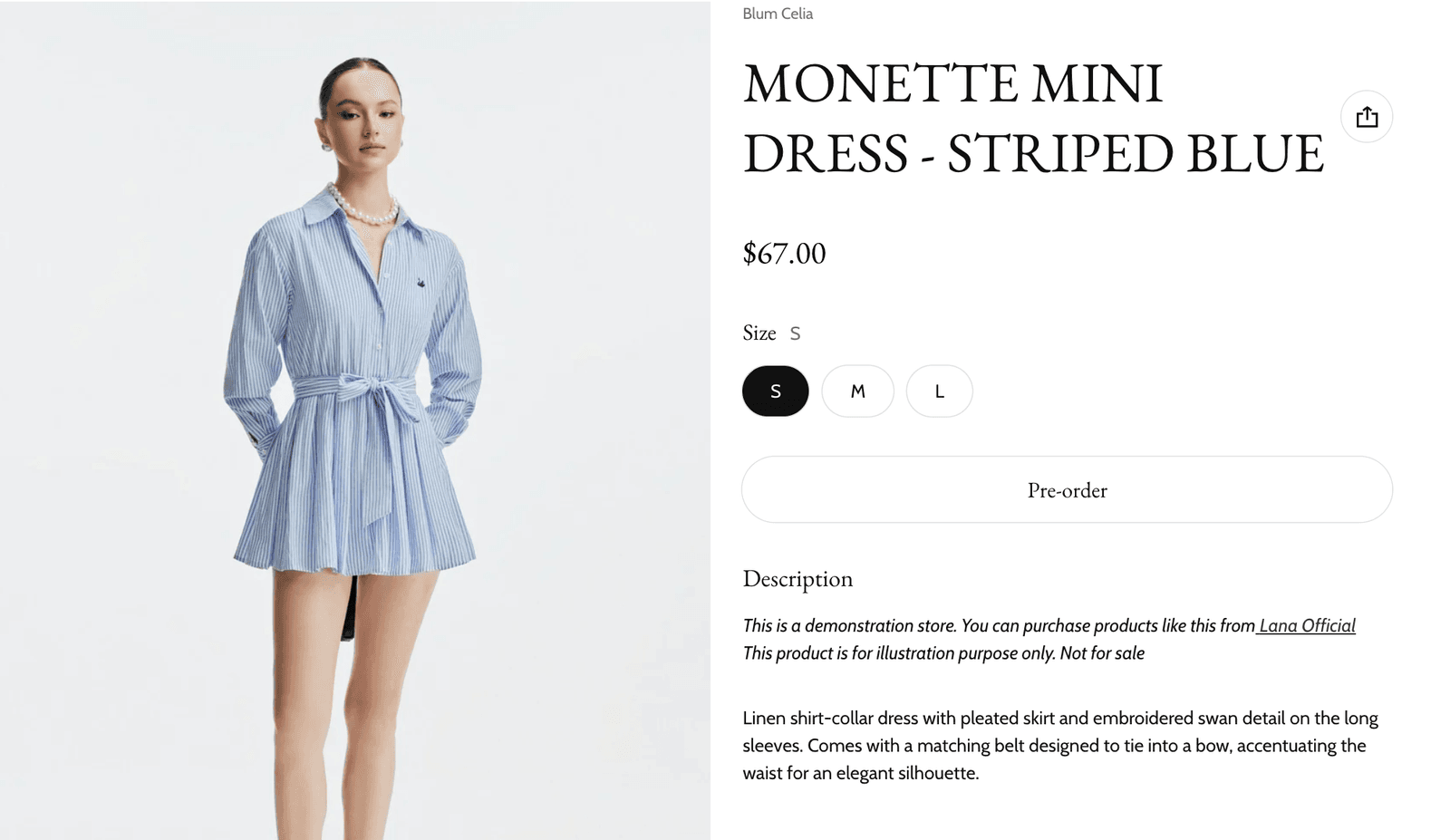
Take orders on products before they are in stock, with clear pre-order labels from the product page to the cart. You start earning on a new drop or restock early, and buyers know exactly what they are getting.
v3.9.0 · 14 changes
Patch releases
This release adds support for the Shopify customer account component in the header, a label position option for the vertical Before/After layout, and fixes for the Images with Text Scroll and product variant blocks.
About 2 minutes
In your Shopify admin, go to Online Store > Themes.
On Blum, click Update available, then Add to theme library. Shopify copies your settings and content across.
Preview the new copy, check your key pages, then click Publish.
Blum · $170 · Free to try
Your buyers decide with their eyes first. Blum is built around that path. Try it free. Pay once when you publish.