


[01]
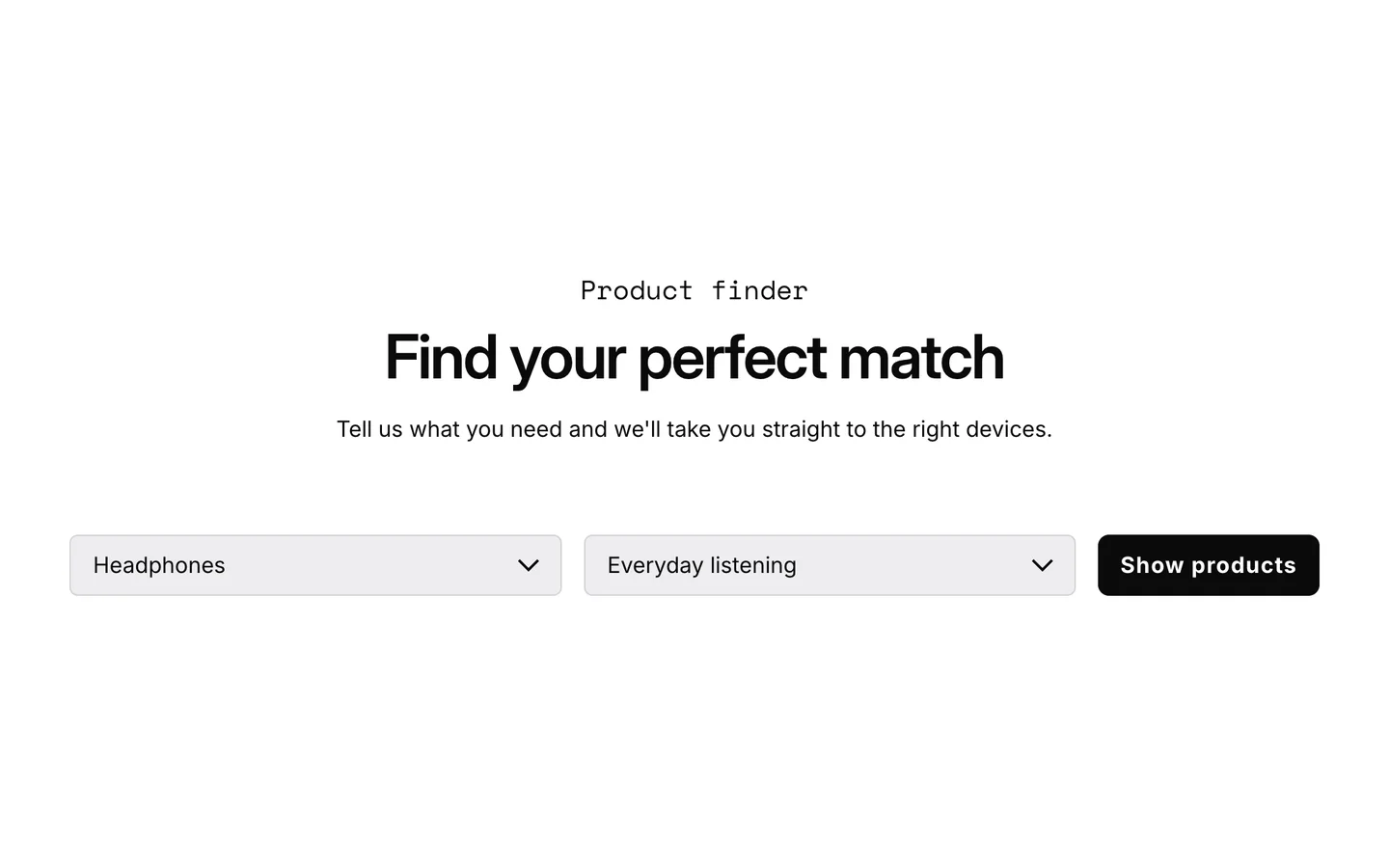
Find the right fit with Compatibility Finder
A short guided quiz that helps buyers find the products that fit their device and needs. Fewer buyers leave unsure, and you get fewer "will this work with mine?" questions after the sale.
Holiday Launch KitTheme setup from $490. Plus holiday app deals.Theme setup & customization from $490. Plus holiday app deals.See the kit
Electro & Normcore drop to $200.Electro and Normcore drop to $200 for 72 hours, down from $300 / $320.See the deal
Electro & Normcore $200, was $300 / $320.Electro and Normcore are $200 this Black Friday weekend, down from $300 / $320.Shop the themes
New themeNew: nuno, a Hydrogen theme for fashion brands.nuno, a Hydrogen theme for fashion retail and wholesale. Built with Weaverse.See nuno
Holiday Launch KitTheme setup from $490. Plus holiday app deals.Theme setup & customization from $490. Plus holiday app deals.See the kit
 Loading
Electro 3.3 is built around one goal: helping electronics buyers buy with confidence. It adds a Compatibility Finder and a draggable Image Comparison slider, a new Sidebar Mega Menu, and a reworked block and typography system that gives you far more control over how products and content are presented. Includes the 3.3.1 and 3.3.2 refinements.
Highlights · 03
[01]
A short guided quiz that helps buyers find the products that fit their device and needs. Fewer buyers leave unsure, and you get fewer "will this work with mine?" questions after the sale.
[02]
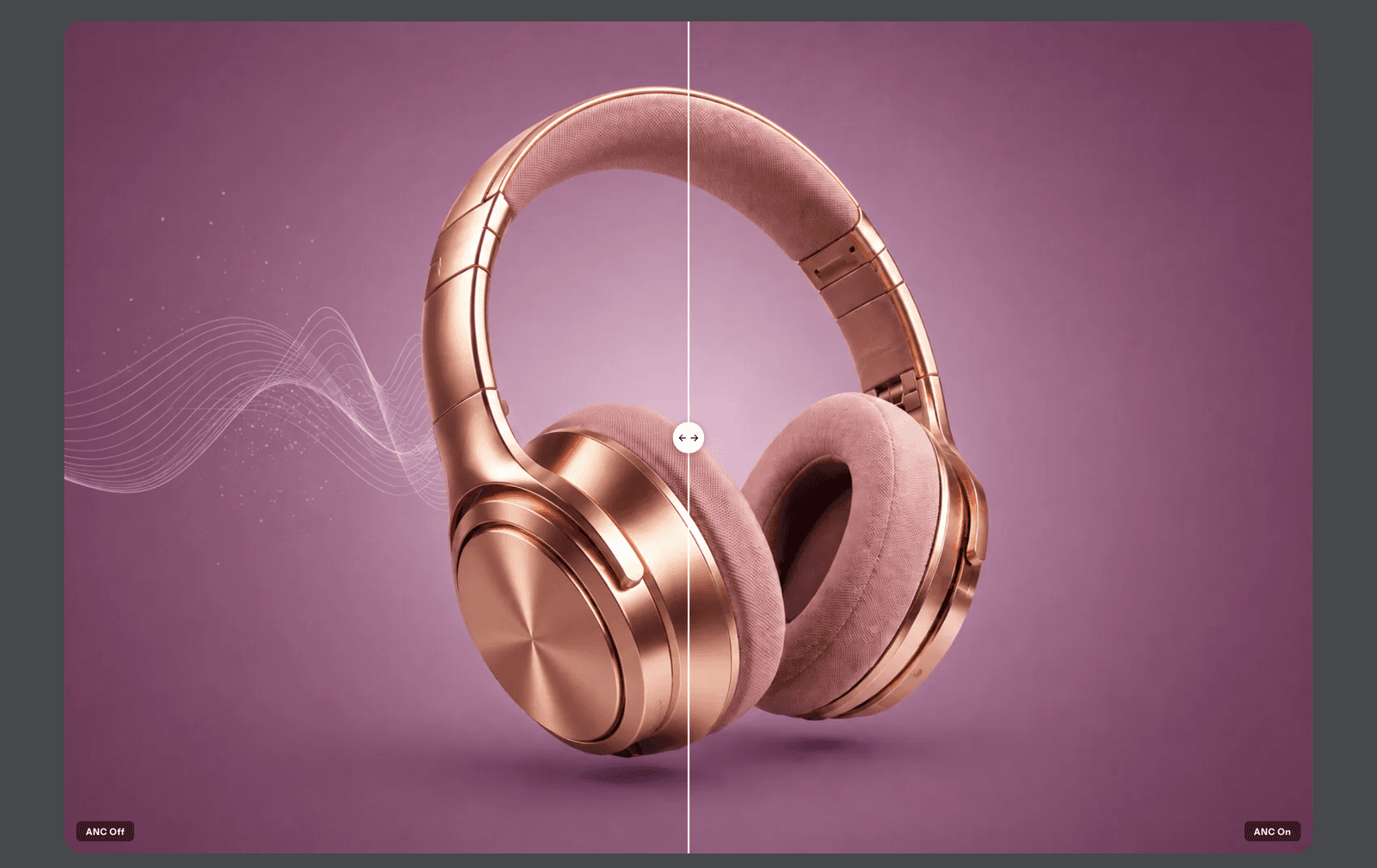
A slider that lets buyers drag between two images to compare them, like two models or two colors. Seeing the difference up close helps buyers decide with confidence.
[03]
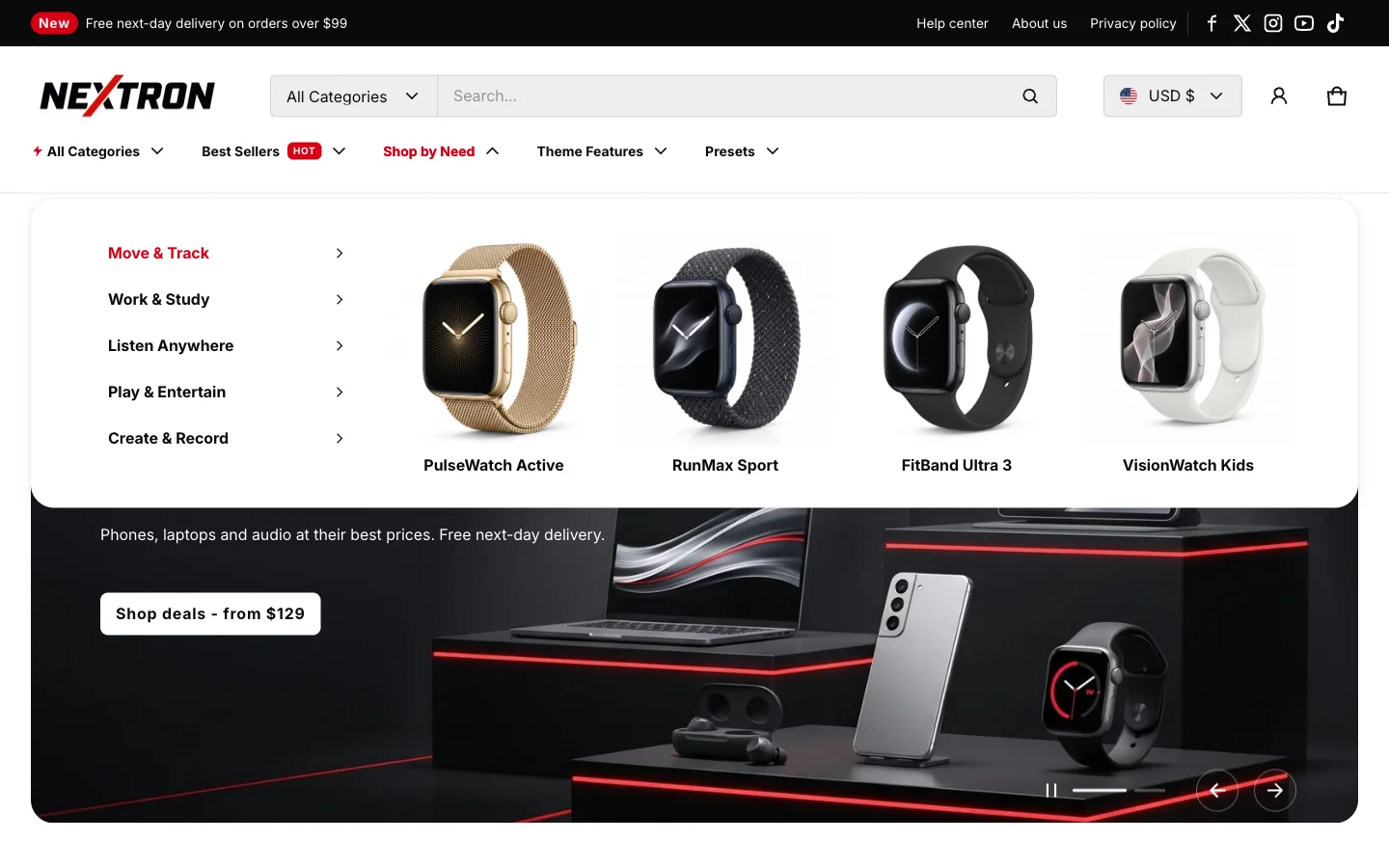
A menu with your categories in a sidebar and product images next to them. Stores with large catalogs help buyers browse by need and reach the right product in fewer clicks.
v3.3.0 · 13 changes
Patch releases
is a maintenance release that fixes demo theme installation.
is a maintenance release with bug fixes and minor default updates.
About 2 minutes
In your Shopify admin, go to Online Store > Themes.
On Electro, click Update available, then Add to theme library. Shopify copies your settings and content across.
Preview the new copy, check your key pages, then click Publish.
Electro · $300 · Free to try
Your customers already know what they want. Electro is built for how they shortlist, compare, confirm, and buy. Try it free. Pay once when you publish.