


[01]
Launch faster with the new Nextron preset
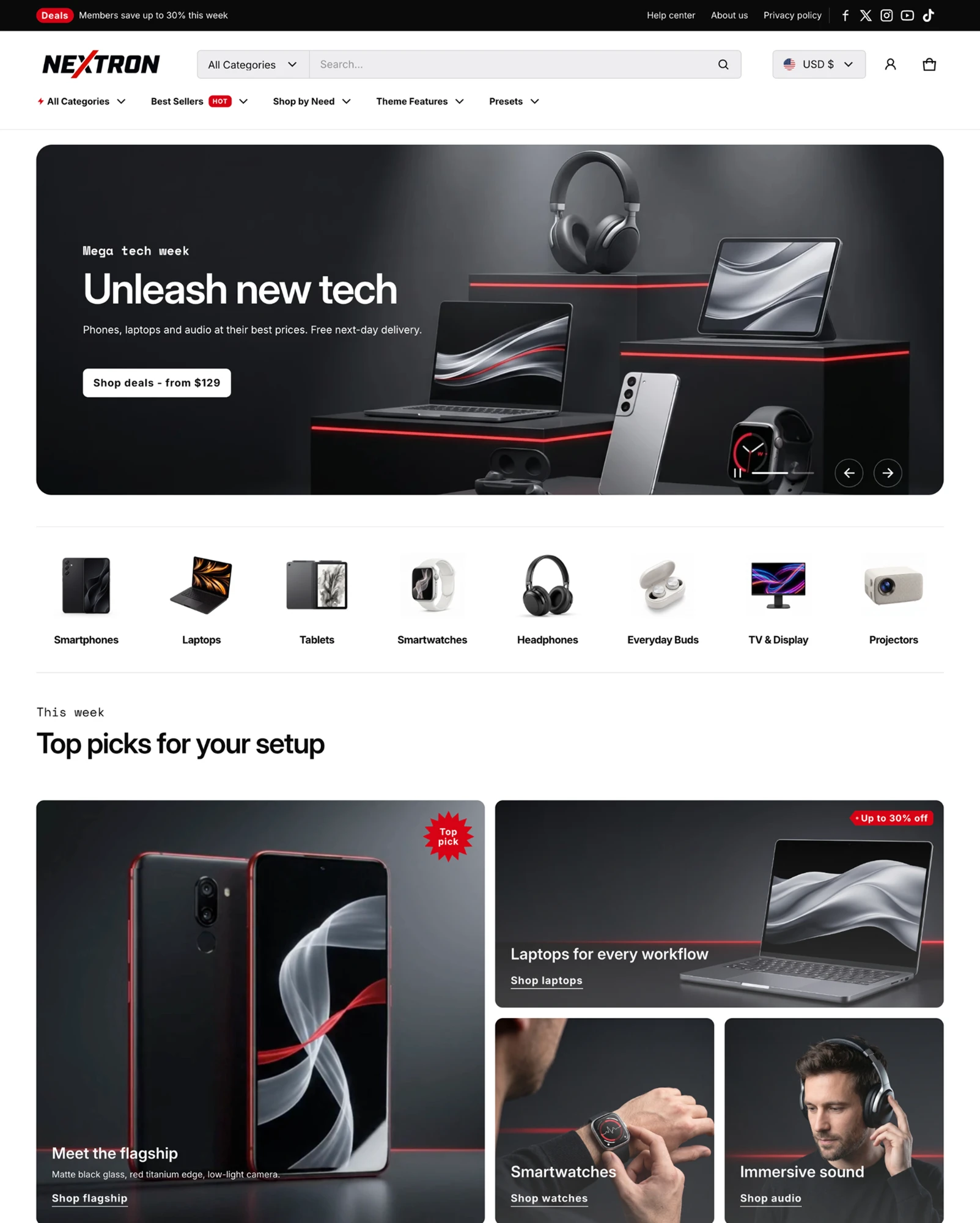
A complete, ready-to-sell electronics storefront you can launch from day one. Skip weeks of setup and start selling phones, laptops and gadgets right away.
Holiday Launch KitTheme setup from $490. Plus holiday app deals.Theme setup & customization from $490. Plus holiday app deals.See the kit
Electro & Normcore drop to $200.Electro and Normcore drop to $200 for 72 hours, down from $300 / $320.See the deal
Electro & Normcore $200, was $300 / $320.Electro and Normcore are $200 this Black Friday weekend, down from $300 / $320.Shop the themes
New themeNew: nuno, a Hydrogen theme for fashion brands.nuno, a Hydrogen theme for fashion retail and wholesale. Built with Weaverse.See nuno
Holiday Launch KitTheme setup from $490. Plus holiday app deals.Theme setup & customization from $490. Plus holiday app deals.See the kit
 Loading
Electro 3.5.0 is one of the biggest updates the theme has had. It brings the new Nextron demo, five new merchandising sections, a reworked header and footer, and a cart drawer that does more to grow your order value. Each change has the same goal: help buyers compare specs, find the right product and check out with confidence.
Highlights · 06
[01]
A complete, ready-to-sell electronics storefront you can launch from day one. Skip weeks of setup and start selling phones, laptops and gadgets right away.
[02]
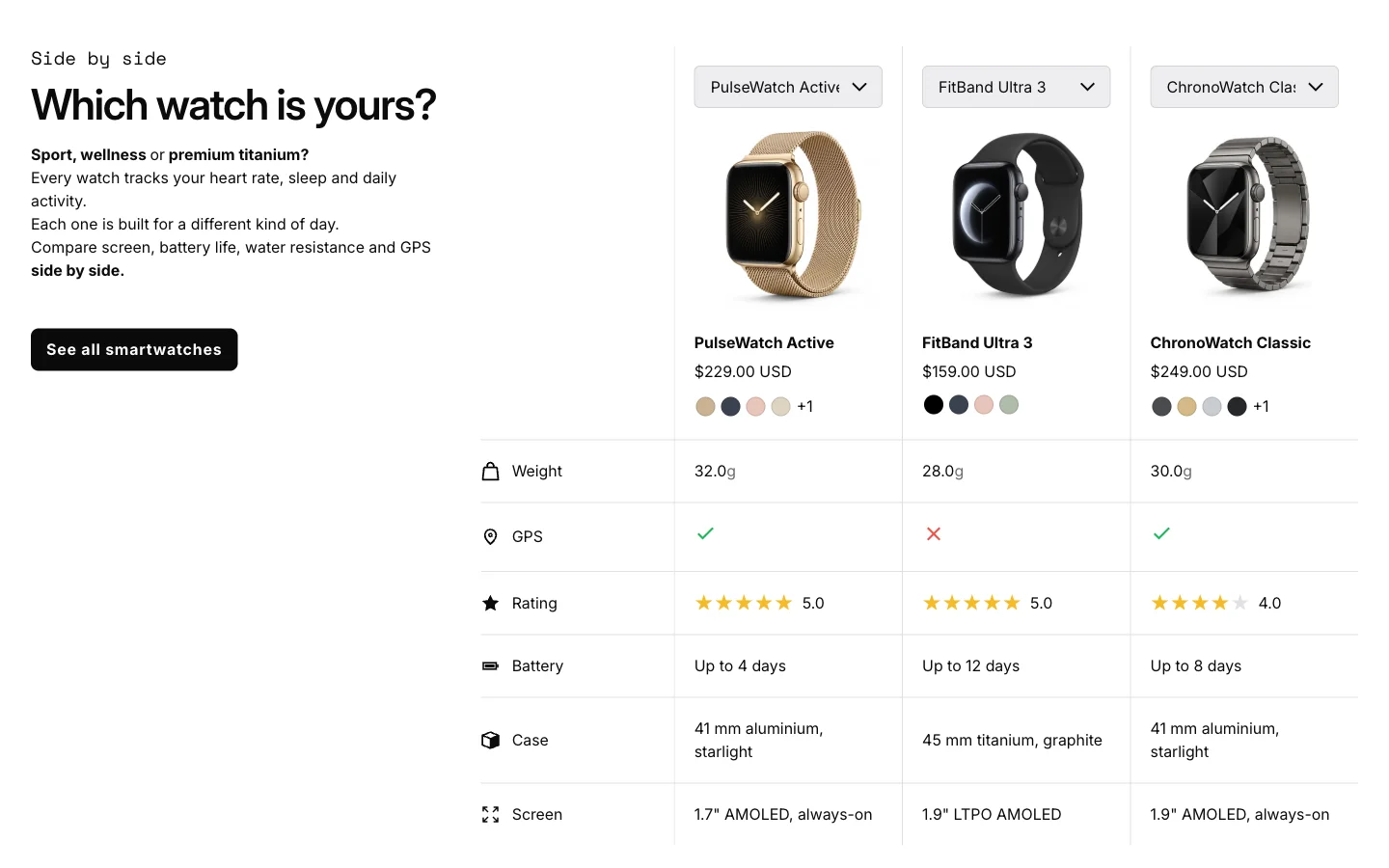
Show a few products side by side so buyers can compare them at a glance. Tech buyers decide on your store instead of leaving to compare somewhere else, and can add their pick to the cart straight from the table.
[03]
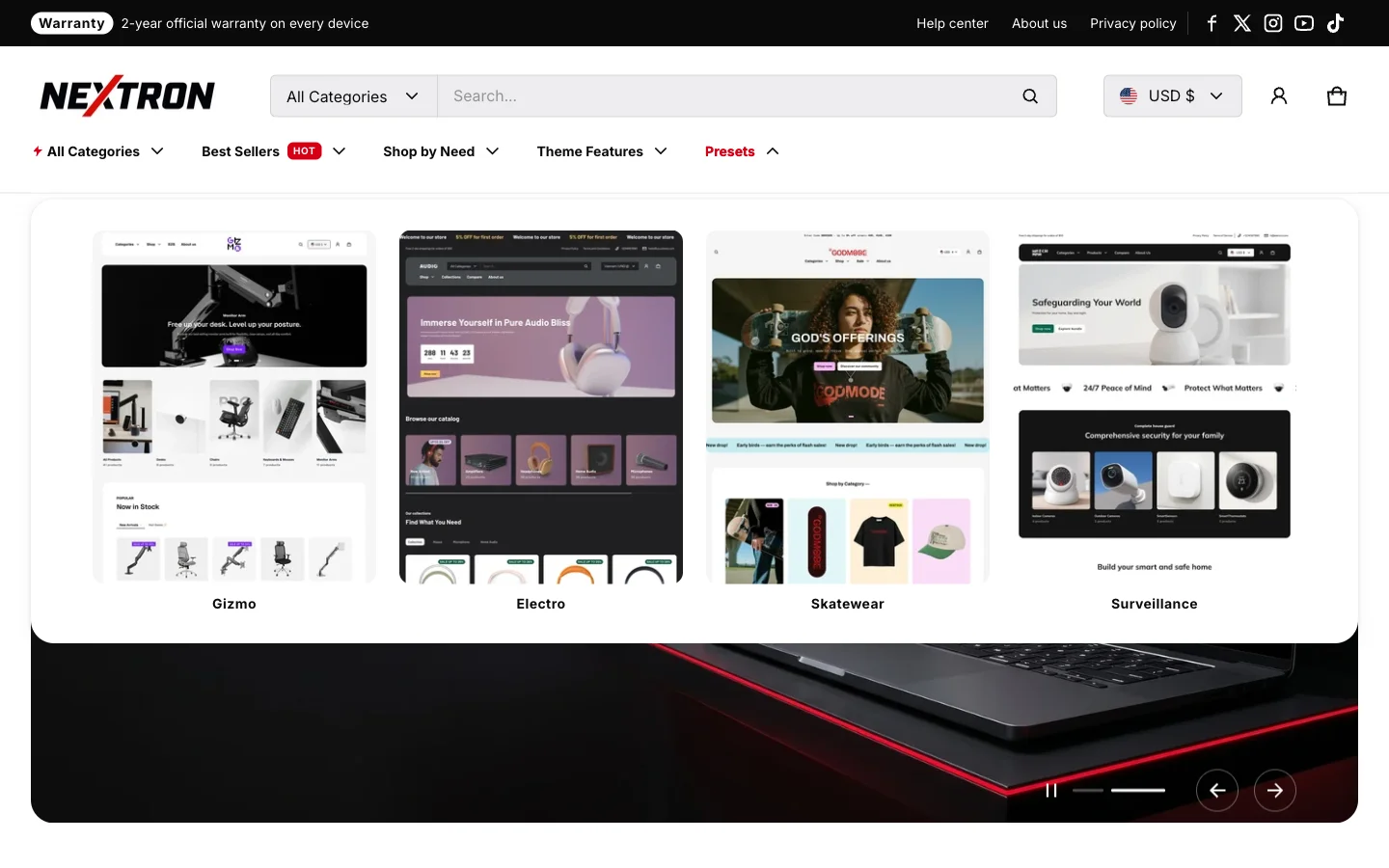
A menu that shows your categories as picture cards, with labels like New or Hot on the links you want to push. Buyers find the right category faster and spot your deals before they even start browsing.
[04]
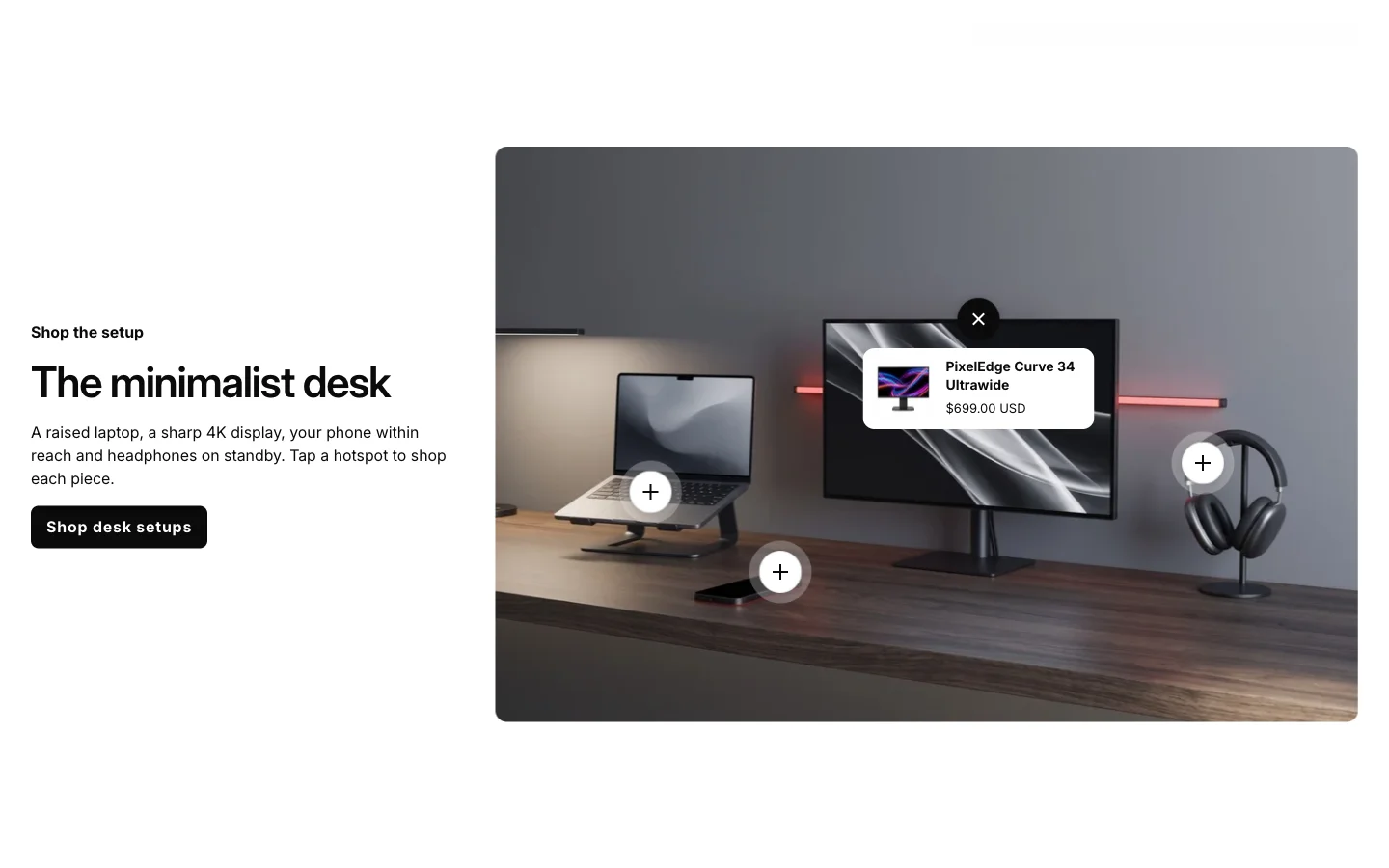
Show a full desk or gaming setup in one photo, with each device tagged and ready to buy. Buyers shop the whole setup instead of a single item, so orders get bigger.
[05]
A visual entry point into each of your categories, from phones and laptops to audio and accessories. Buyers go straight to what they came for instead of digging through the menu.
[06]
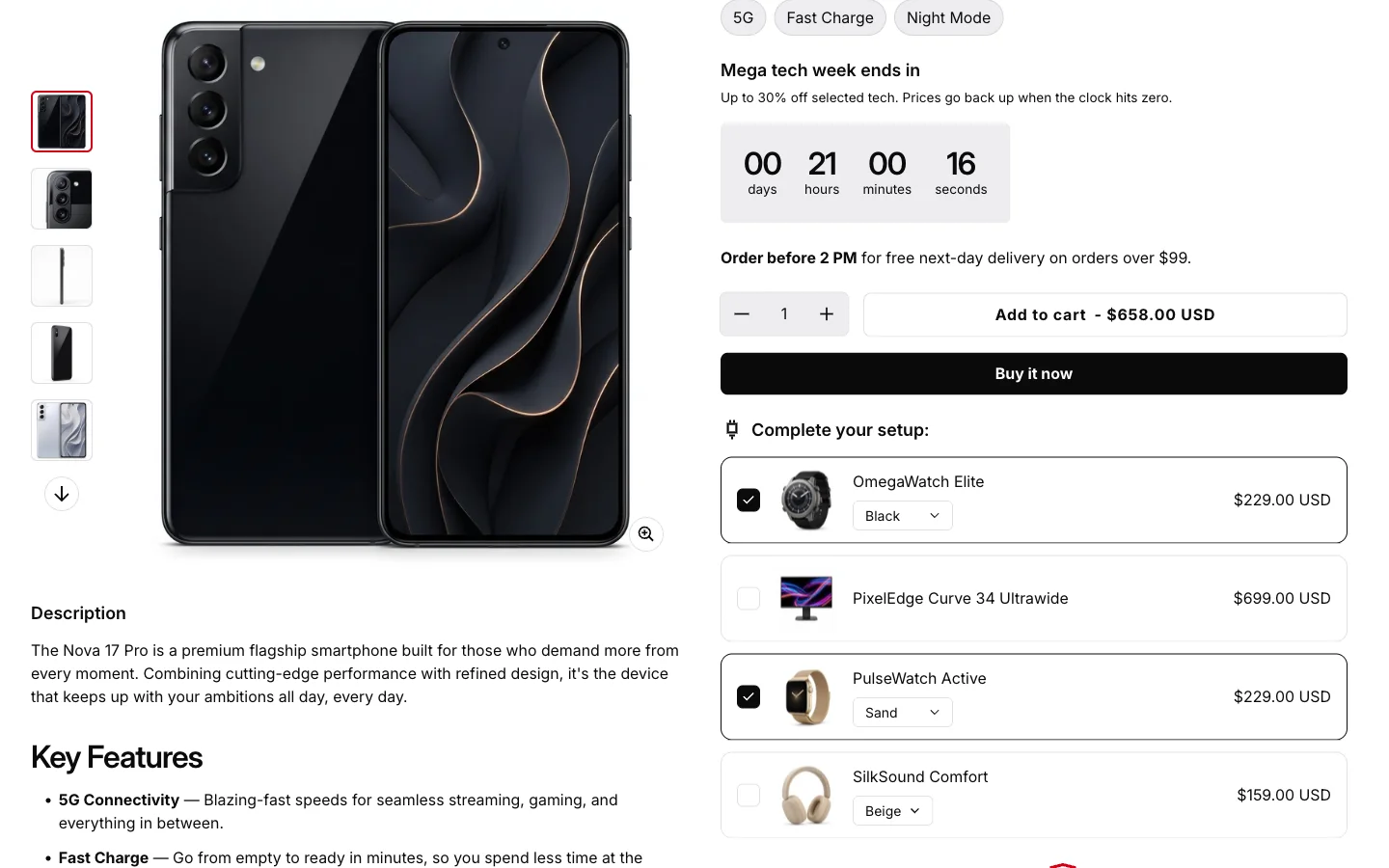
Let buyers tick accessories, warranties or protection plans right on the product page. They add everything to the cart with the main product in one click, so each order is worth more.
v3.5.0 · 15 changes
About 2 minutes
In your Shopify admin, go to Online Store > Themes.
On Electro, click Update available, then Add to theme library. Shopify copies your settings and content across.
Preview the new copy, check your key pages, then click Publish.
Electro · $300 · Free to try
Your customers already know what they want. Electro is built for how they shortlist, compare, confirm, and buy. Try it free. Pay once when you publish.