


[01]
Keep buyers moving through your catalog with infinite scroll
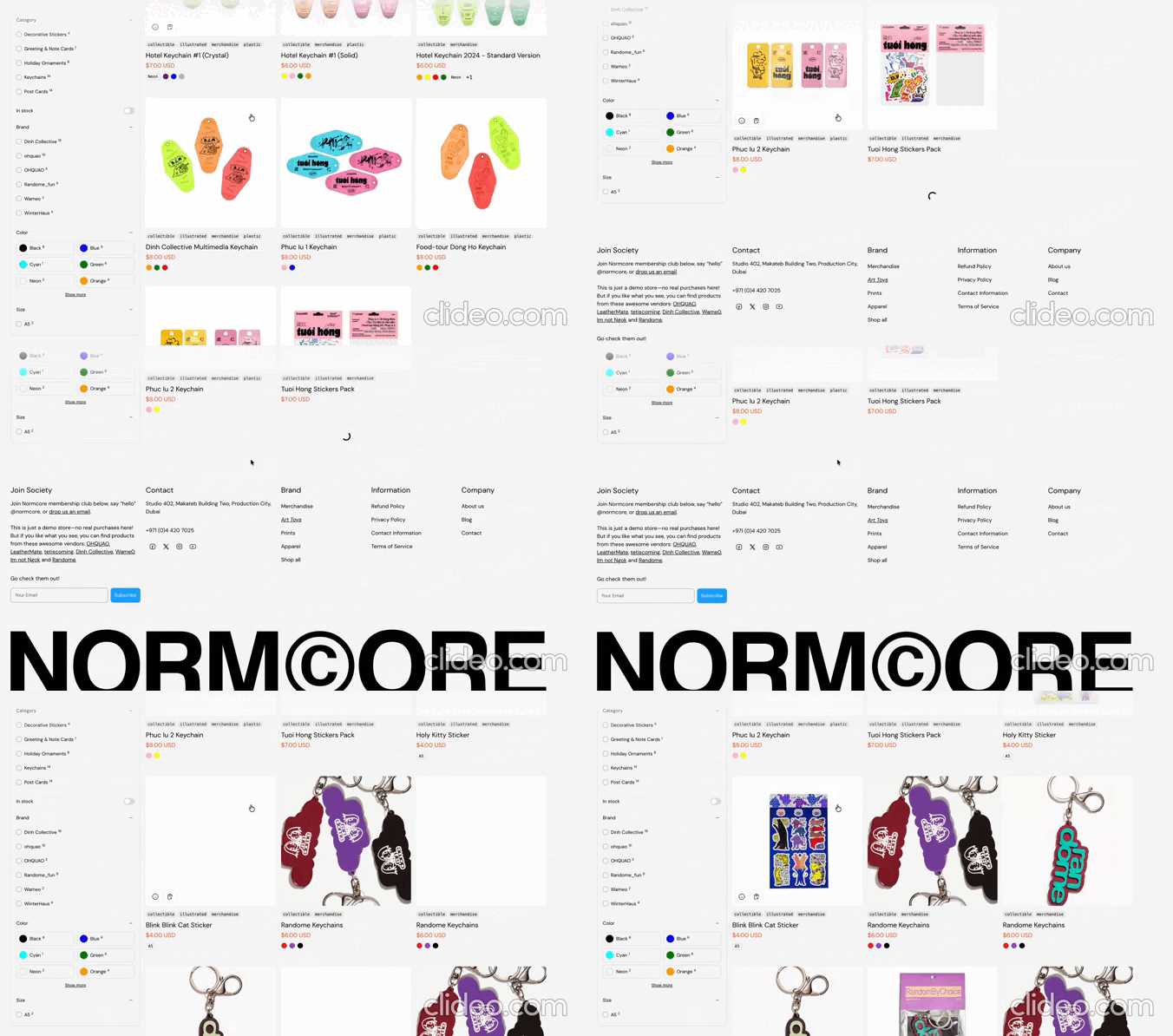
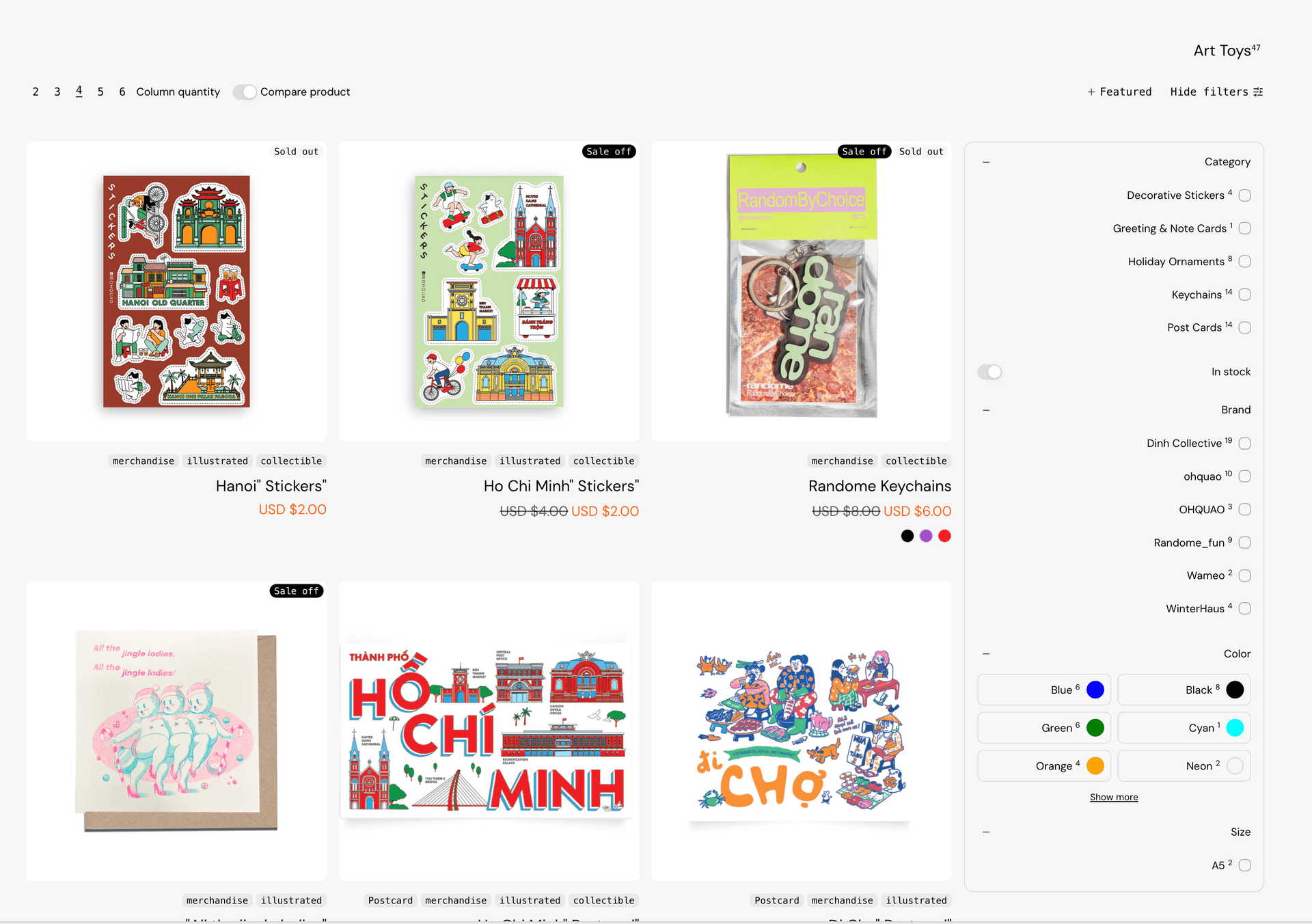
Collection pages keep loading more products as buyers scroll, with no page 2 to click. Buyers keep browsing a large catalog without losing their place or their interest.
Holiday Launch KitTheme setup from $490. Plus holiday app deals.Theme setup & customization from $490. Plus holiday app deals.See the kit
Electro & Normcore drop to $200.Electro and Normcore drop to $200 for 72 hours, down from $300 / $320.See the deal
Electro & Normcore $200, was $300 / $320.Electro and Normcore are $200 this Black Friday weekend, down from $300 / $320.Shop the themes
New themeNew: nuno, a Hydrogen theme for fashion brands.nuno, a Hydrogen theme for fashion retail and wholesale. Built with Weaverse.See nuno
Holiday Launch KitTheme setup from $490. Plus holiday app deals.Theme setup & customization from $490. Plus holiday app deals.See the kit
 Loading
Normcore 2.2.0 makes it easier to move through a massive catalog and to sell into more markets while doing it. It adds infinite scroll for collection pages and full right-to-left language support, alongside an AI-ready Custom Section, discount codes shown on the cart, and performance and stability fixes that keep large storefronts running smoothly.
Highlights · 03
[01]
Collection pages keep loading more products as buyers scroll, with no page 2 to click. Buyers keep browsing a large catalog without losing their place or their interest.
[02]
Your store reads and flows correctly in Arabic, Hebrew and other right-to-left languages. You can sell into those markets with a fully local storefront, without hiring a developer to fix the layout.
[03]
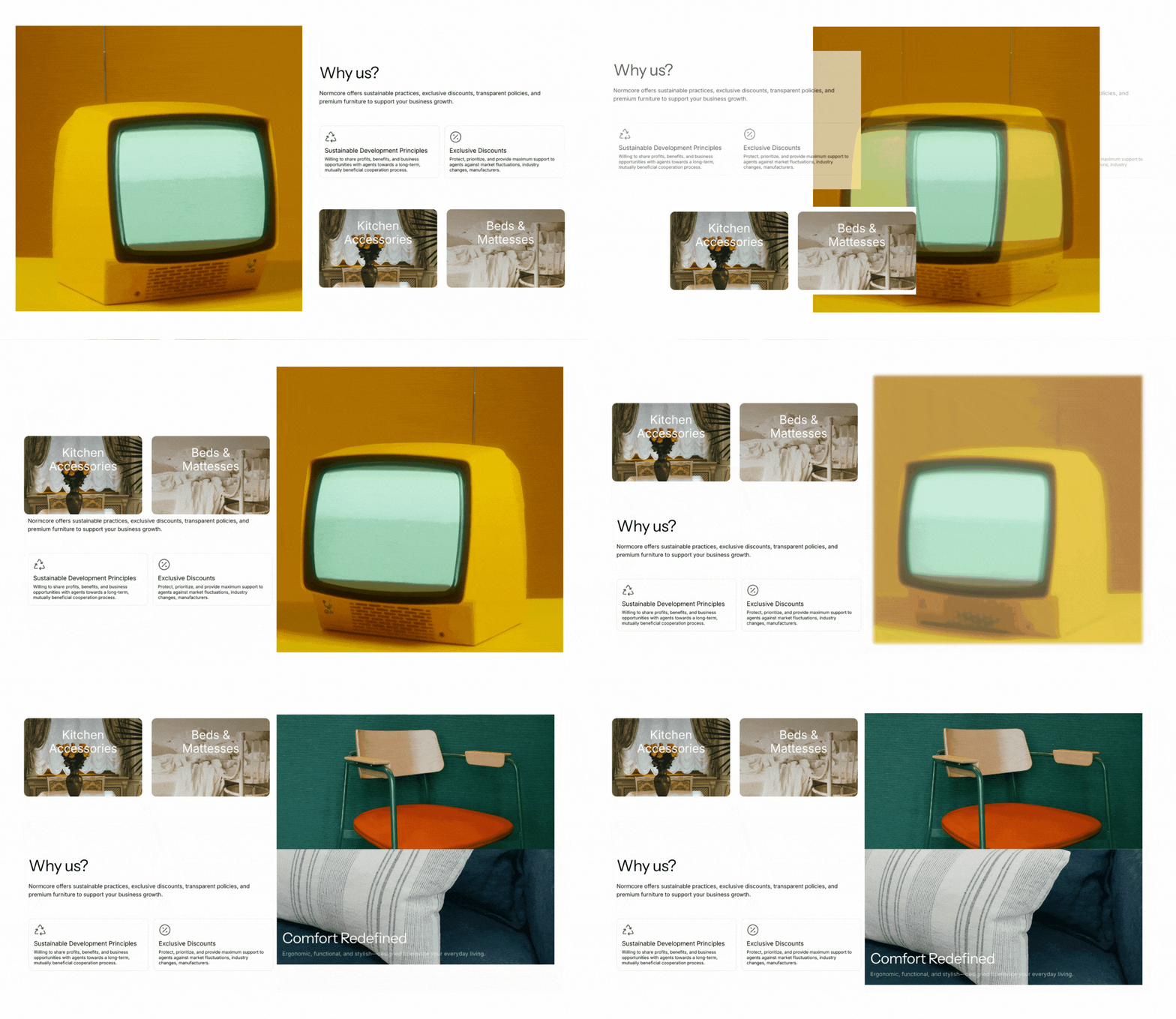
An open section you can shape into your own layouts, with help from Shopify's AI to build a first version for you. You create landing pages and collection stories quickly, even when you manage dozens of them.
v2.2.0 · 11 changes
Patch releases
We fixed a bug where the cart drawer total price was not updating when the quantity changed.
About 2 minutes
In your Shopify admin, go to Online Store > Themes.
On Normcore, click Update available, then Add to theme library. Shopify copies your settings and content across.
Preview the new copy, check your key pages, then click Publish.
Normcore · $320 · Free to try
Normcore is a high-performance Shopify theme built for merchants with extensive product catalogs. Try it free. Pay once when you publish.