


[01]
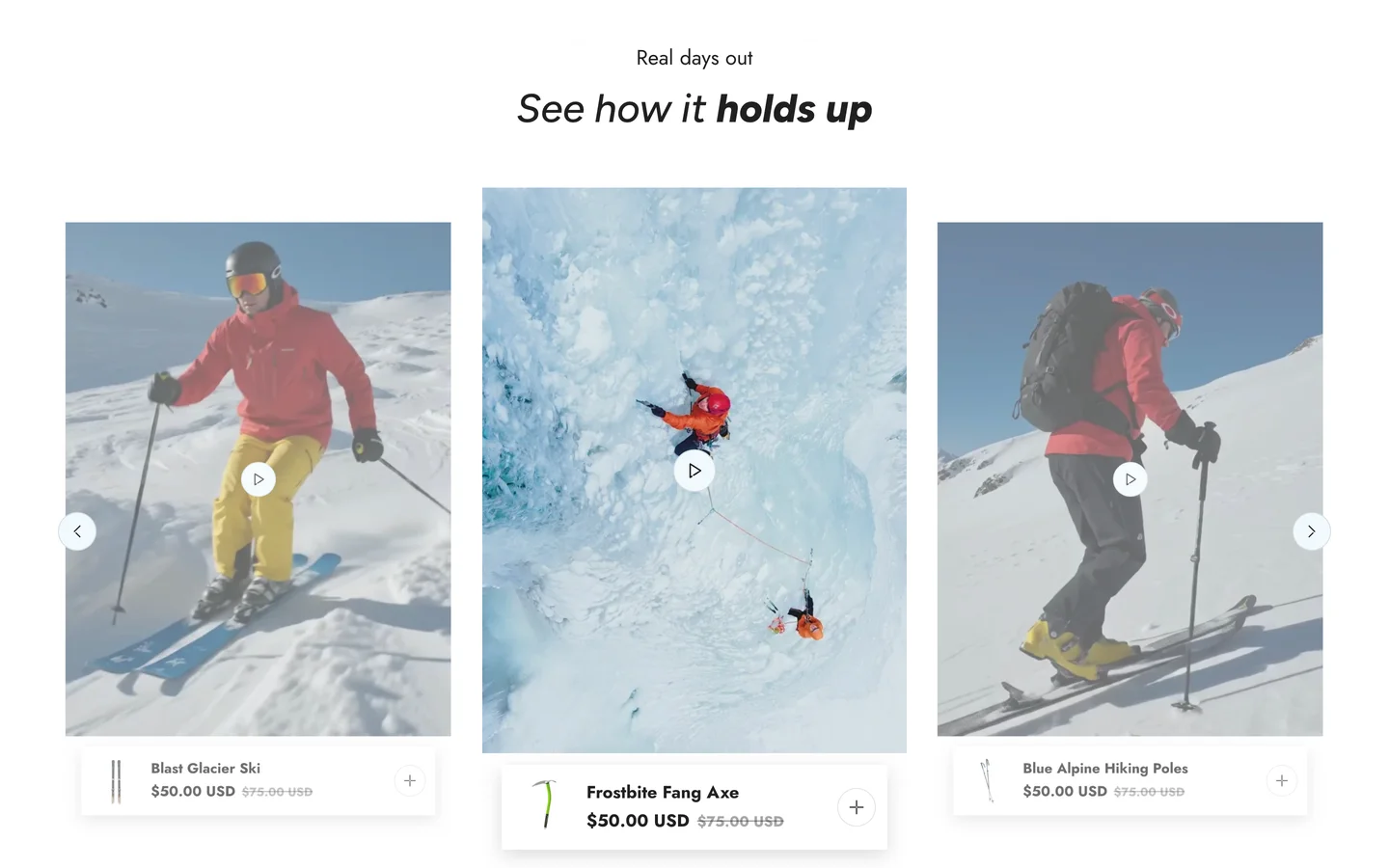
Turn every moment into a purchase with shoppable video
Short videos with the featured products shown right below them. Buyers who love the look in the video can add the products to the cart in a click, without searching for them.
Holiday Launch KitTheme setup from $490. Plus holiday app deals.Theme setup & customization from $490. Plus holiday app deals.See the kit
Electro & Normcore drop to $200.Electro and Normcore drop to $200 for 72 hours, down from $300 / $320.See the deal
Electro & Normcore $200, was $300 / $320.Electro and Normcore are $200 this Black Friday weekend, down from $300 / $320.Shop the themes
New themeNew: nuno, a Hydrogen theme for fashion brands.nuno, a Hydrogen theme for fashion retail and wholesale. Built with Weaverse.See nuno
Holiday Launch KitTheme setup from $490. Plus holiday app deals.Theme setup & customization from $490. Plus holiday app deals.See the kit
 Loading
Shine 3.4 lets your brand be seen, felt and trusted. Shoppable video turns your content into a place to buy, product variations bring every shade and scent into one listing, two new collection sections make browsing your ranges feel like a beauty counter, and new product page blocks tell the story behind each formula. Includes the 3.4.1 update.
Highlights · 05
[01]
Short videos with the featured products shown right below them. Buyers who love the look in the video can add the products to the cart in a click, without searching for them.
[02]
Group shades, scents and sizes that live as separate products into one listing. Buyers see every option of a lipstick or serum in one place and find their match faster.
[03]
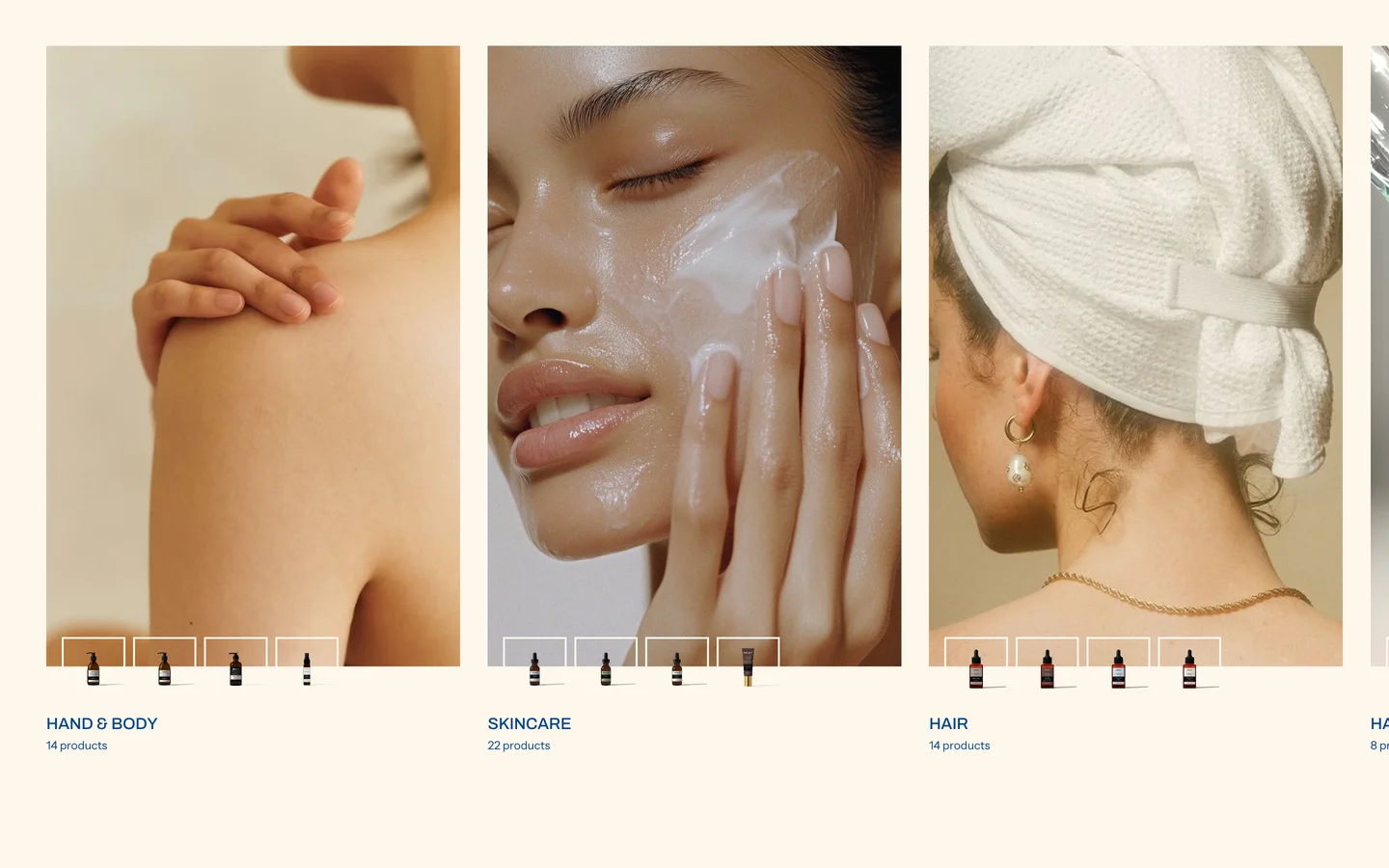
Show each collection as a large picture card with a few product previews and a product count. Your collections feel like a campaign, which invites buyers to explore instead of just scrolling past.
[04]
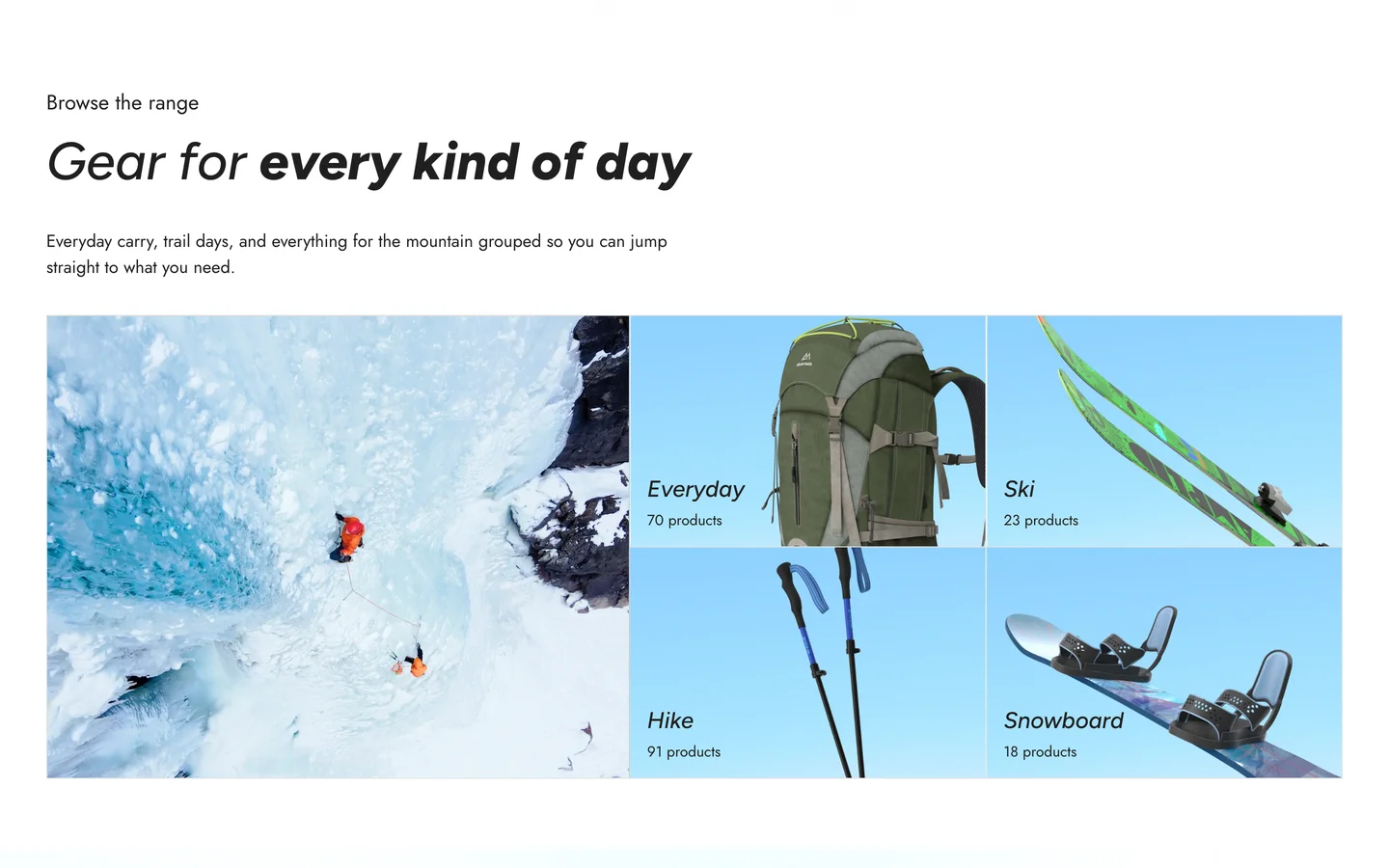
A neat grid of your collections, each with its own image, title and product count, next to a promo image. Buyers browsing rings, necklaces or skincare ranges get to the right collection quickly.
[05]
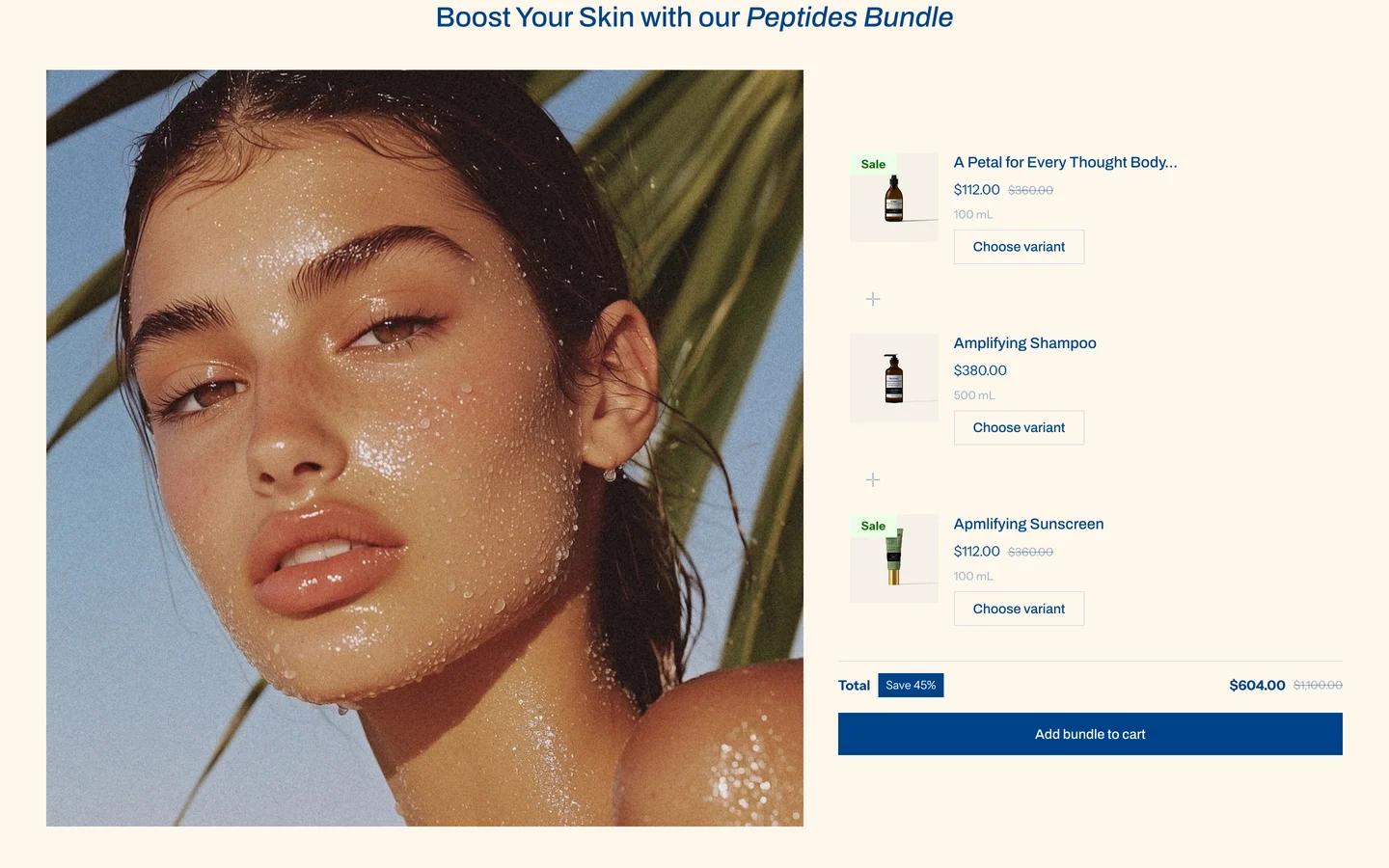
Put together a set of products, like a three-step routine, a gift set or a travel kit, and sell it as one. Buyers get the complete ritual in one go, and you sell more per order.
v3.4.0 · 15 changes
Patch releases
Shine 3.4.1: Introduces product variations, a new Product list section, and includes some bug fixes.
About 2 minutes
In your Shopify admin, go to Online Store > Themes.
On Shine, click Update available, then Add to theme library. Shopify copies your settings and content across.
Preview the new copy, check your key pages, then click Publish.
Shine · $210 · Free to try
Beauty buyers buy results. Shine's layouts carry them from aspiration to trust to purchase - any brand story, built in. Try it free. Pay once when you publish.