


[01]
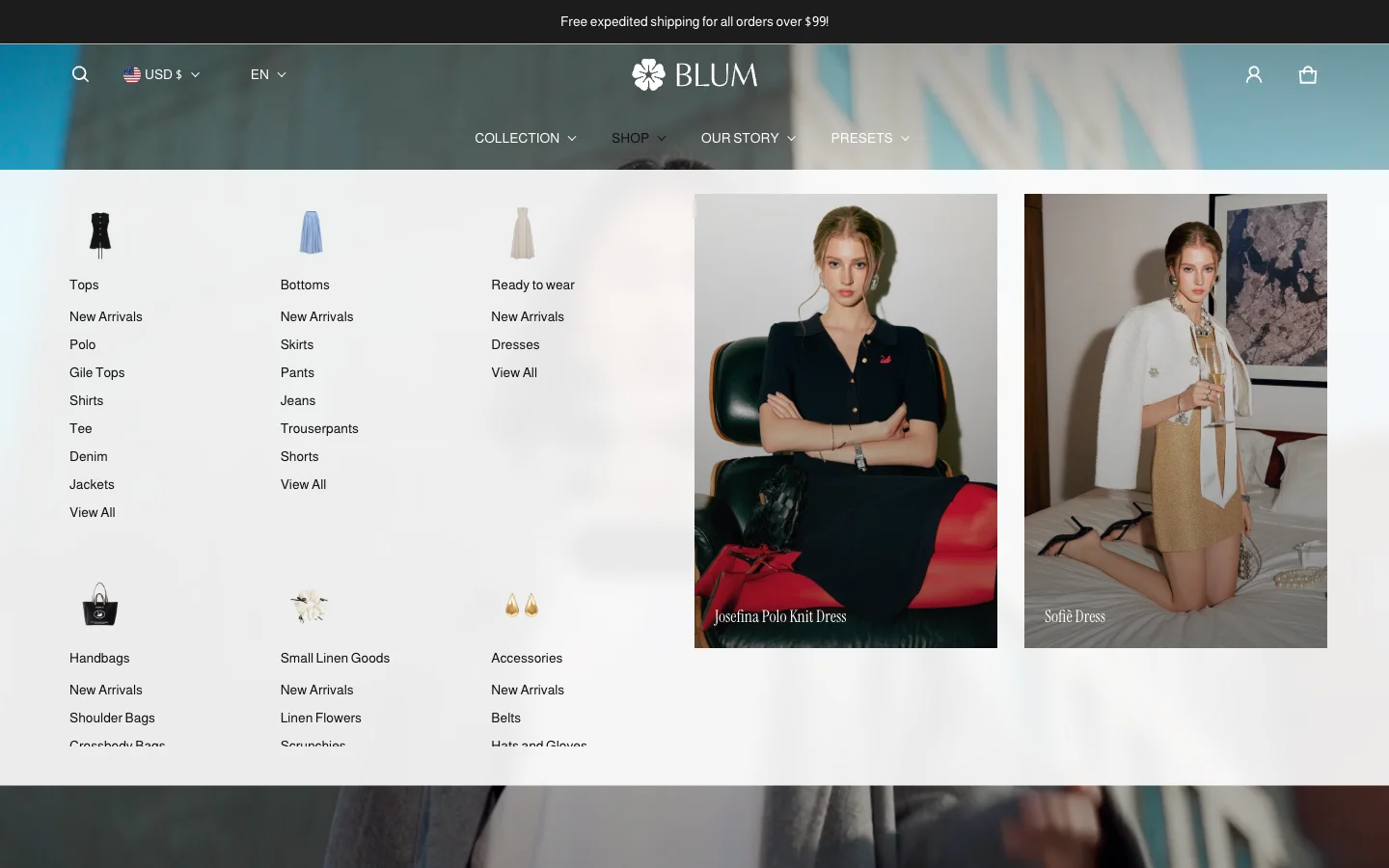
A mega menu that puts the whole catalog one hover away
A large dropdown menu that shows your collections, categories and featured looks with images. Buyers browsing a big fashion catalog find what they want in one hover instead of getting lost.
Holiday Launch KitTheme setup from $490. Plus holiday app deals.Theme setup & customization from $490. Plus holiday app deals.See the kit
Electro & Normcore drop to $200.Electro and Normcore drop to $200 for 72 hours, down from $300 / $320.See the deal
Electro & Normcore $200, was $300 / $320.Electro and Normcore are $200 this Black Friday weekend, down from $300 / $320.Shop the themes
New themeNew: nuno, a Hydrogen theme for fashion brands.nuno, a Hydrogen theme for fashion retail and wholesale. Built with Weaverse.See nuno
Holiday Launch KitTheme setup from $490. Plus holiday app deals.Theme setup & customization from $490. Plus holiday app deals.See the kit
 Loading
Blum 3.6.0 adds a new mega menu, product siblings and right-to-left language support, plus the small motion details that make a fashion storefront feel finished: image preloaders, hover animations and smoother input states. Your store navigates better and feels better, with no code to touch.
Highlights · 05
[01]
A large dropdown menu that shows your collections, categories and featured looks with images. Buyers browsing a big fashion catalog find what they want in one hover instead of getting lost.
[02]
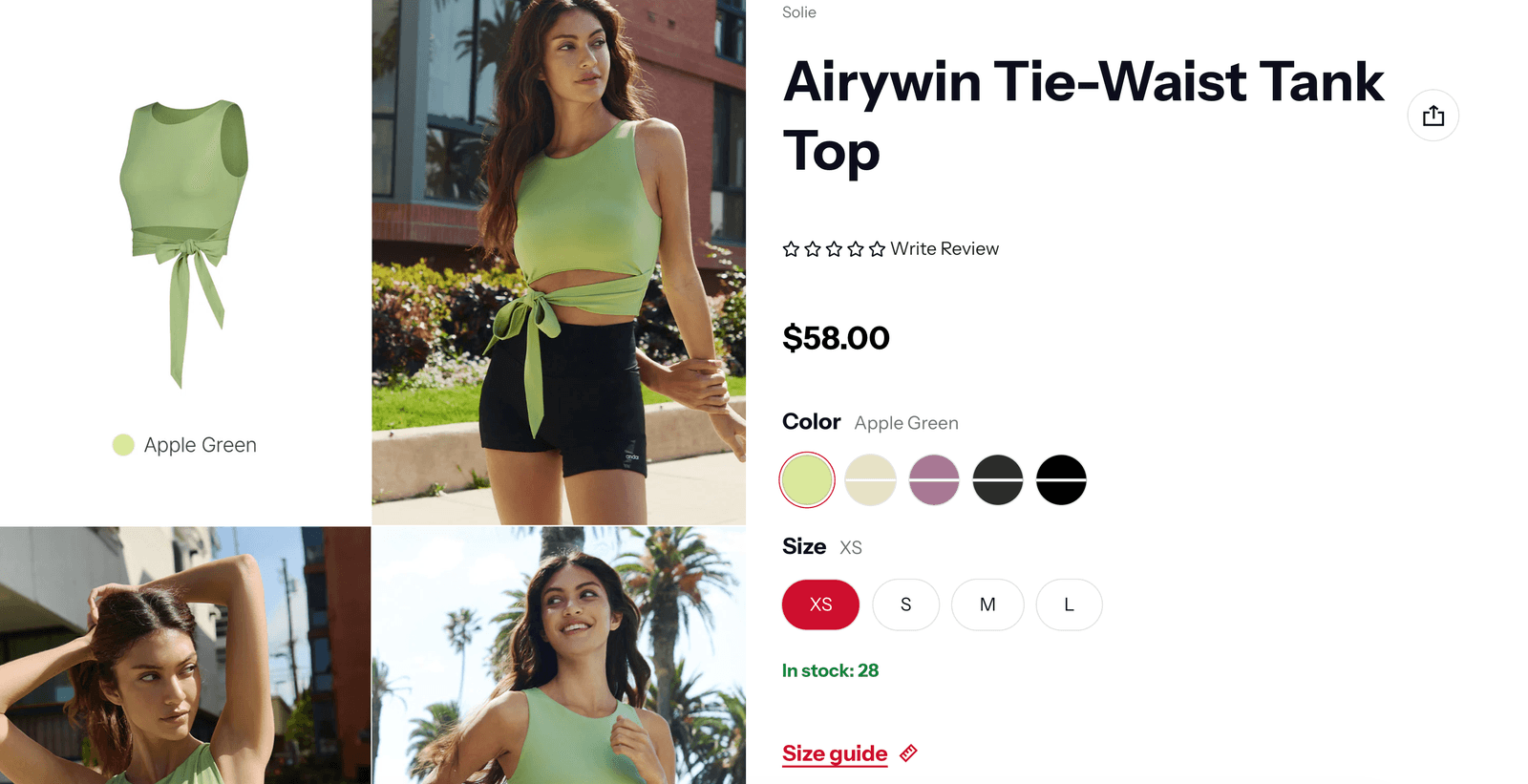
Show related products together, like every color of a dress that is listed as separate products. Buyers see all the options on one page and pick the one they love without searching again.
[03]
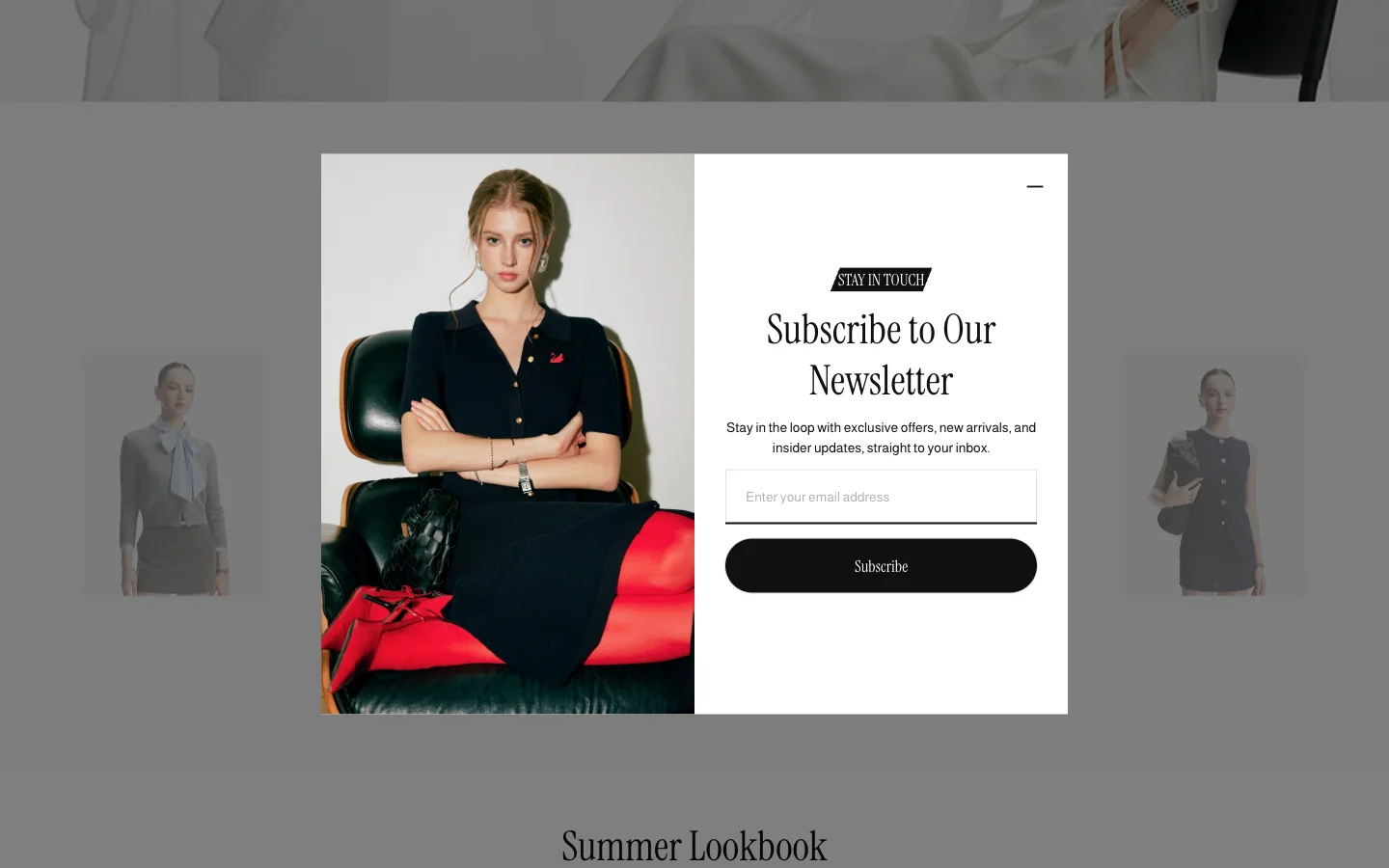
A popup for offers, sign-ups or announcements that buyers can minimize to a small tab and open again later. You promote what matters without interrupting someone in the middle of shopping.
[04]
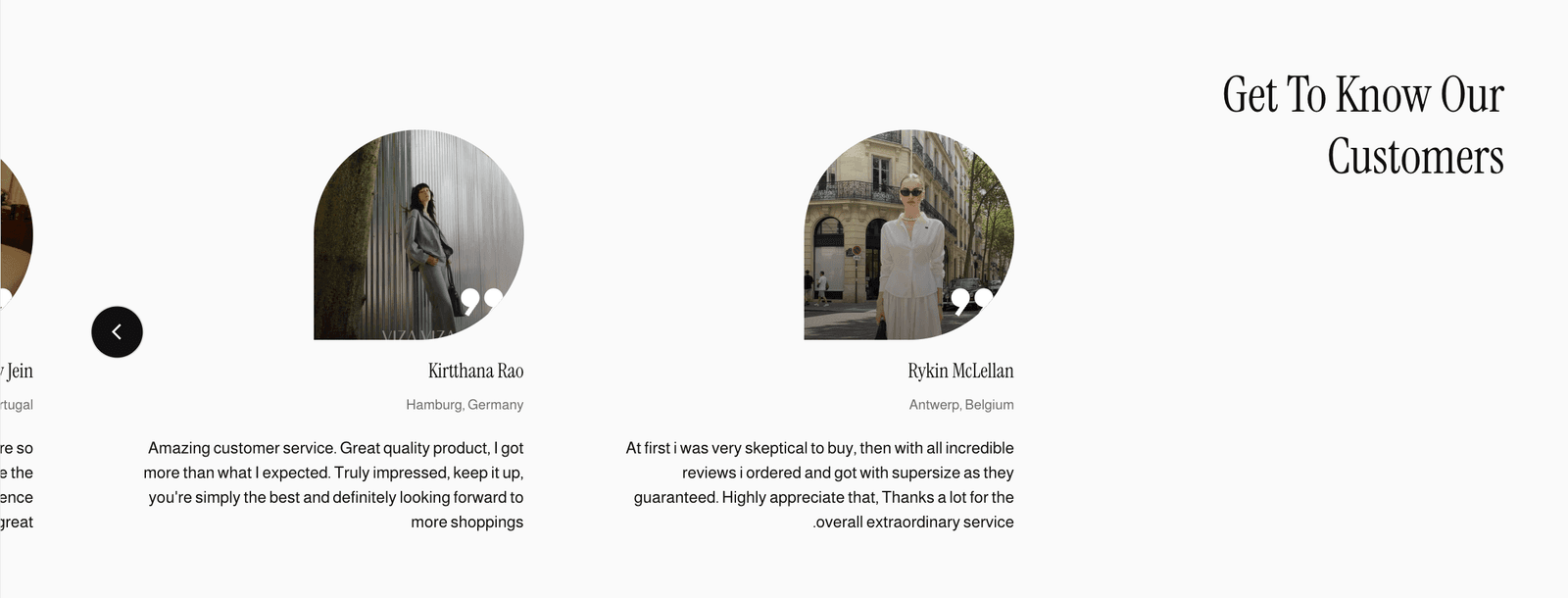
Your store reads and flows correctly in Arabic, Hebrew and other right-to-left languages. You can sell into those markets with a fully local storefront, without hiring a developer.
[05]
A soft loading animation fills the moment before your images appear. Collection pages and lookbooks look polished instead of empty while they load.
v3.6.0 · 7 changes
About 2 minutes
In your Shopify admin, go to Online Store > Themes.
On Blum, click Update available, then Add to theme library. Shopify copies your settings and content across.
Preview the new copy, check your key pages, then click Publish.
Blum · $170 · Free to try
Your buyers decide with their eyes first. Blum is built around that path. Try it free. Pay once when you publish.