


[01]
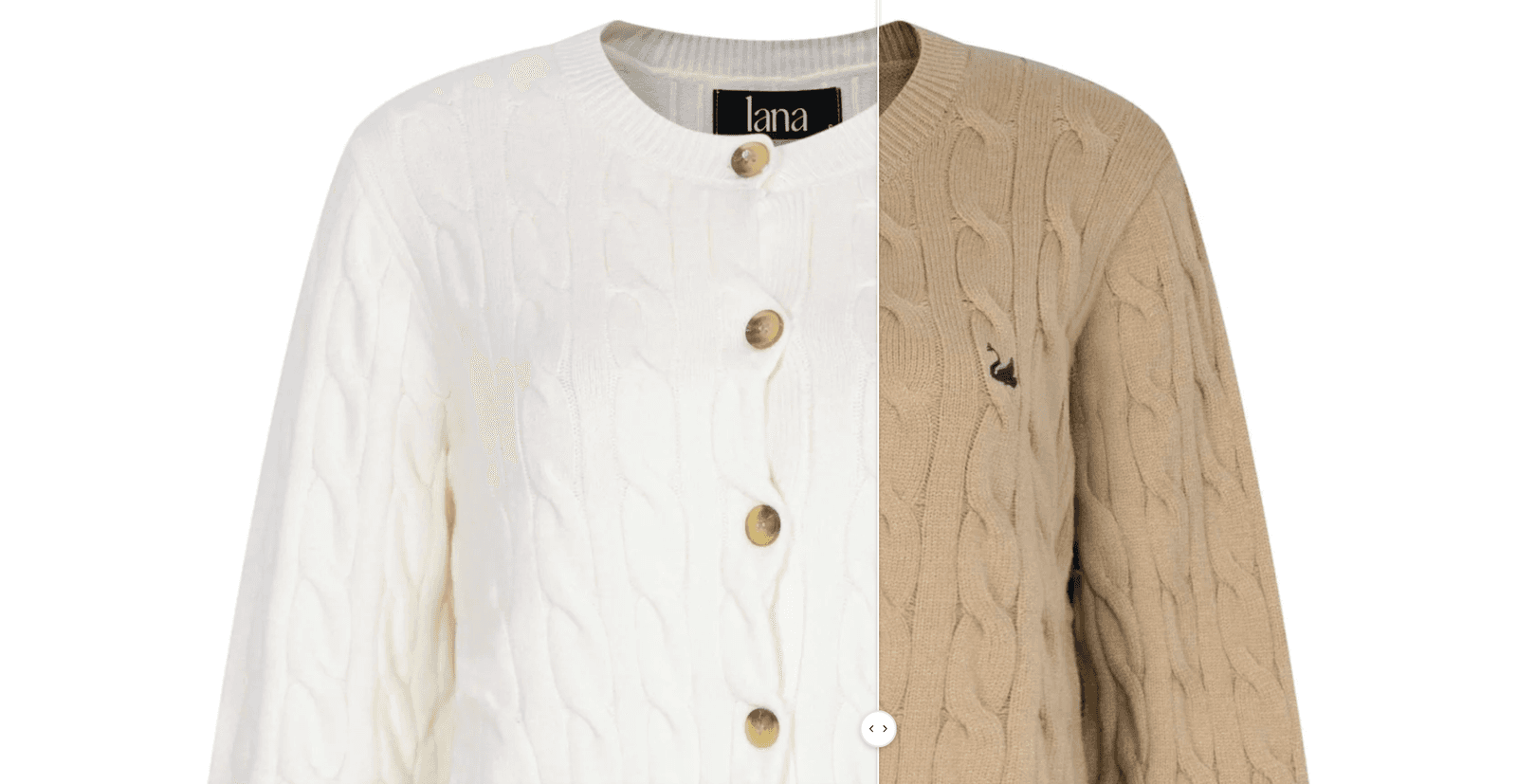
Let buyers drag to see the difference
Two images side by side with a slider buyers drag to compare them, like a color, a fit or a before-and-after look. It turns a static product shot into something buyers explore for themselves.
Holiday Launch KitTheme setup from $490. Plus holiday app deals.Theme setup & customization from $490. Plus holiday app deals.See the kit
Electro & Normcore drop to $200.Electro and Normcore drop to $200 for 72 hours, down from $300 / $320.See the deal
Electro & Normcore $200, was $300 / $320.Electro and Normcore are $200 this Black Friday weekend, down from $300 / $320.Shop the themes
New themeNew: nuno, a Hydrogen theme for fashion brands.nuno, a Hydrogen theme for fashion retail and wholesale. Built with Weaverse.See nuno
Holiday Launch KitTheme setup from $490. Plus holiday app deals.Theme setup & customization from $490. Plus holiday app deals.See the kit
 Loading
Blum 3.7.0 is a storytelling release. Six new sections give you more ways to show the product and the brand, from a before/after slider buyers drag themselves to a slideshow with a center-focus zoom built for lookbooks. It also fixes search, menu and variant selection issues.
Highlights · 02
[01]
Two images side by side with a slider buyers drag to compare them, like a color, a fit or a before-and-after look. It turns a static product shot into something buyers explore for themselves.
[02]
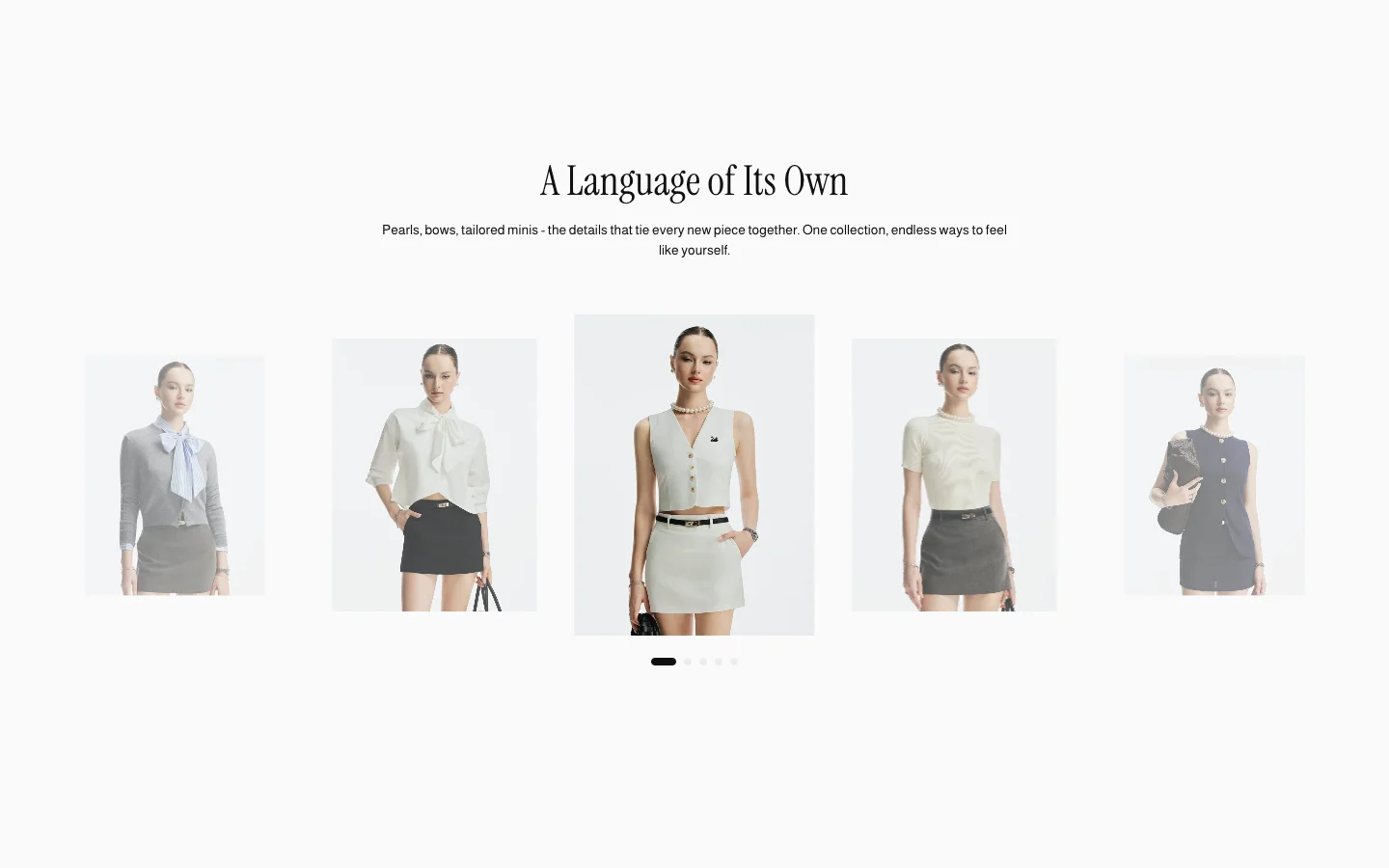
A slideshow that zooms gently into the image in focus, built for lookbook-style browsing. Your campaign imagery feels premium and draws buyers into each look.
v3.7.0 · 11 changes
About 2 minutes
In your Shopify admin, go to Online Store > Themes.
On Blum, click Update available, then Add to theme library. Shopify copies your settings and content across.
Preview the new copy, check your key pages, then click Publish.
Blum · $170 · Free to try
Your buyers decide with their eyes first. Blum is built around that path. Try it free. Pay once when you publish.